Logo Cost will vary, but what should it be?
How much will your logo cost? This is one of the most common questions we get here at Back9 Creative. The short answer is, it depends on a lot of factors.
So what about the long answer? What does it depend on? Some of the variables that can change your final logo cost include:
- Your industry,
- Brand colours (if you’ve established them),
- Your current online presence,
- Your existing logo (if you have one),
- The size of your business,
- The amount of revenue you bring through,
- The logo styles you like,
- Whether or not you have font styles in mind,
- How many draft concepts you’d like to pick through,
- How particular you are—how often you go back to the designer with changes,
- Your business values and the feelings you want your logo to inspire
- And more!
At the low end, you can expect to pay about $2000 for a logo. That price can increase depending on the specific variables involved. In this article, we’ll aim to give you an idea of the process for creating a logo. Furthermore, we’ll explain the things that we look at during the process, and why it costs what it does.
Why do logos cost what they do?
In the design industry, logos are perhaps the most important part of your Brand Identity–the collective way to identify your brand that includes your logo, your business style, your values, and even what you and your team wear–because the logo is literally the way that many people will recognise a brand. Connecting a quality product to a brand establishes an emotional attachment. In turn, can lead to loyalty. And loyal customers can even become promoters who tell others how great you are. Customers connect that image to your products, services, and what you stand for. This can be extremely important if you have a name that’s similar to someone else’s—especially if you’re in the same industry.
Some companies design their business models entirely around riding the coattails of another successful business. They’ll create a similar name in the same industry and can even swipe some customers from their competitor merely through mistaken identity; someone thought they were going to the other place instead. A memorable logo that stands out greatly reduces this chance.
No matter what graphic design agency you choose to go with, any reputable business will carefully create your logo using design and colour science combined with your own input to make a logo that is memorable, relatable, and something you’ll be proud to call your own.
Can’t I just make my logo myself?
If you trust in your artistic ability and only plan to use your logo for a few small, limited projects, there’s no reason why you can’t. But if you want to treat it as an investment and use it as the face of your company for the long haul, we highly recommend working with a skilled and experienced graphic designer.
Visual communication, which includes digital graphic design, is a prestigious field in many NZ universities that requires several years of study. Designers learn not only about the fundamentals of art and imagery, but also various pieces of complex software for digital production. An important part is being able to move from abstract ideas to completed projects that make use of colour theory, human psychology, and much more. When you use a professional designer, you get a lot more than a little picture!
What’s the process of making a logo?
While the exact steps can vary, generally, the logo creation process will follow this general outline:
Ideation
The first part of the process involves coming up with ideas for the logo.
- The designer compiles the research and information you give them. As this logo is for your company, it needs to be something you can stand behind. The more information you can provide about your business, the better. For example, who your target audience is, your values and your style, all go into the design. The more information your designer has, the better they will be able to craft a solid brief. The quality of the understanding will lead to better concepts.
- Information you provide is supplemented by further research. Remember that logo design isn’t just about art… It’s science too! Your designer will look at industry trends. They’ll be taking notes and saving that information to use later to ensure they stick to the brief!
- The designer comes up with ideas and makes rough sketches. It’s not uncommon for more than 100 sketches to be made. These might be hand-drawn with slight variations so the designer can try out a lot of different options and see what ideas work and what don’t. Many of these concept groups will be discarded entirely as the final, best options are narrowed down.
Logo concepts made up
- Drafts are narrowed down to a few top choices. A few of the designs will stand out among the rest. Here at Back9, we typically try to get it down to 3 final concepts to work with, but it could be more or less depending on what we’re working with.
- A detailed version of each top concept is created. One version of each of the concepts is fleshed out in further detail. If you don’t have a tagline already, the logos may include a couple of ideas if adding a tagline is an important part of the design.
- You review these conceptual versions with the designer. Remember that this is your logo, so choose the version that fits your business, target market and personality best. Most of the time, at least one of the versions will stand out. If none do for some reason, your designer will find out your thoughts and why none appeal to you. It’s important to go over the designs in detail, so that you’ll be satisfied with the final product. The designer will take note of your thoughts for revisions. Your designer might have a favourite, but will try to stay impartial during this process so you pick the one that’s right for you.
- Revisions There may be a couple of rounds of revisions where the designer meets with you, you give feedback, and that feedback is used to create a new version. Keep in mind that the revision process is a collaborative effort; your designer will be using all of the best practices they’ve learned through their studies and experience to give you an effective, versatile logo. The goal is to find something that everyone is happy with, which may or may not take a few phases of back and forth to narrow down.
Finalise the logo
- The logo is finalised. Once everyone is happy with the logo, it gets finalised and saved out in a few versions such as a version to use for Print and another for Digital. You might also get a few slightly different versions of your logo so that it works in more situations in both print and digital, like one you can use as a profile picture for a Facebook Business page and one ideal for signage and flyers.
- Replacing your old logo with the new. This final step is only done if you a) already have an existing logo in use and b) don’t know how to replace the logo yourself (such as replacing it in the backend of your website). It’s crucial to have consistency across platforms, so replacing every possible instance of your logo with the updated version is very important. If you use the logo on signage and print materials, you’ll also need to replace those with the updated version.
As you can see, there’s a lot of time and effort that goes into creating your logo, but by doing all these steps you’ll get a logo that you’ll be happy with and gives off the right impression of you and your business.
Why would my company’s revenue change the logo cost?
If you read that list above closely, you may have noticed that a couple of factors that determine the cost of your logo are how much money your business makes. But why would that make a difference? Why don’t all logos cost in the same general range?
The main reason is that a larger, more prolific business will likely have a bigger budget. The other reasons are that they tend to have a larger more comprehensive review team and tend to need more variations. And if the business is replacing an existing logo, it will have more versions across print and digital that need to be replaced.
Marketing budget and review time
So how does a bigger budget and more review time change the process? Larger businesses tend to have more people that need to agree on the final version. And the more people that get involved, the harder it is to come to an agreement! More people means more than the standard number of concepts, and multiple developed versions for each one. Overall, many of the main steps will be the same. However, the designer can invest more time in each step; more time spent on research, more iterations can be made, and you can have more fleshed out versions to choose from.
Consequently, this also means that larger businesses also require a longer timeframe than smaller businesses. Sometimes the design has to be approved by multiple levels before being finalised.
A bigger investment with more risk
The bigger and more established the business is, the more important it is to make sure the logo is right. A national or multinational brand has its logo on all kinds of merchandise and branding, and replacing it everywhere is a monumental task. Think about all the work that would go into McDonald’s replacing their logo. With over 30,000 restaurants throughout 120 countries, the logo is on storefronts, food, products, commercials, websites, and so on. With the millions of dollars, it would cost to replace the existing logo, they’d definitely want to make sure they got it right!
This is why logo cost should be proportional to the amount of risk for the company and how many mediums will be using a logo and how many versions it needs:
- Print
- Social media
- Website
- Signage
- And more…
Each version has to be developed for these requirements. Alternative colours can also be important depending on where the logo will be used.
If the logo uses a black font for instance, it could be completely invisible on a black background! Wider distribution for the logo means more of these versions are needed, which require time, research, and testing to make, ultimately meaning a higher cost for the logo.
How much do corporations pay for their logos?
Generally, the bigger the company, the more money they put into logo design. Take Invercargill City, for example. In 2017, they rebranded with a new logo. The cost for the design and consultation was around $80,000! Then around $70,000 more going towards replacing the old logo and adding the new one to permanent infrastructures and new signage. So the total investment was around $150,000 for the rebrand in total.
For multinational corporations, that cost is even higher. Petrol pumper BP was estimated to have spent $211 million USD (300 million NZD) on their most recent green, yellow, and white logo. That’s as much as the GDP of the entire country of Kiribati in 2019. As much as an entire country. And that’s only the 2nd most expensive logo. Symantec spent a staggering 1.28 billion dollars for branding and logo acquisition!
What if I don’t have several thousand (or million!) dollars to spend on a logo?
No, we don’t expect you to spend as much money as an entire country on your logo. This is why we say that logo cost is proportional to business size, revenue, and outreach. It’s important to remember everything that goes into making a logo. It’s complex and time-consuming to do it properly. Instead of comprising on important parts of the logo design process, some agencies will let you pay in installments. At Back9 Creative, we include a logo as part of our package for a new start-up. That package starts at $350+GST a month with a 6-month commitment. Monthly payments are an option at Back9 not only for your logo, but for website design and web development too. This can mean a more cohesive look across your brand. And that will ultimately be an investment in your brand’s equity in the long run.
Your logo is a worthwhile investment
As the face of your business 24/7, your logo is one of the core assets of your business. As such it should be researched and developed by a professional designer. Because of the hours of work that goes into getting the logo just right, costs start in the low thousands. But considering that it’s the way people recognise your brand, it’s an investment to get it done right. And it will almost certainly pay you back its cost and much more.
Need a new or redesigned logo for your business? Let’s Chat…

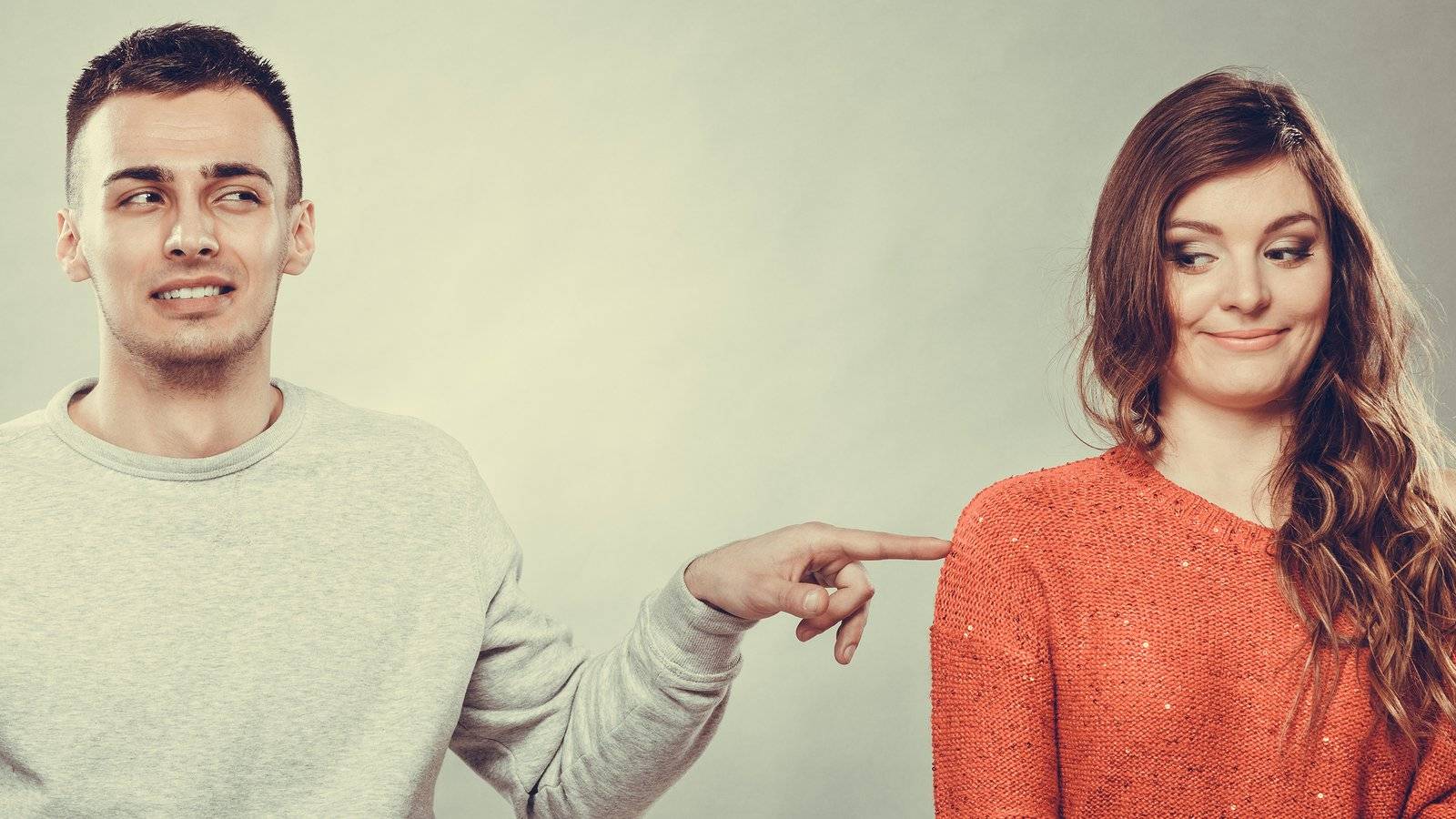
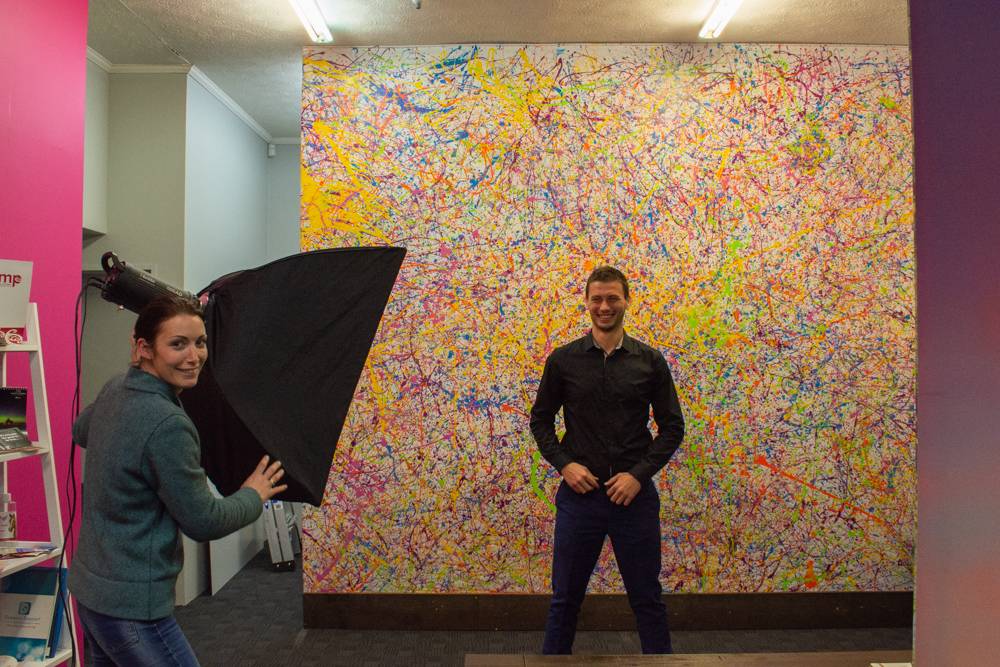
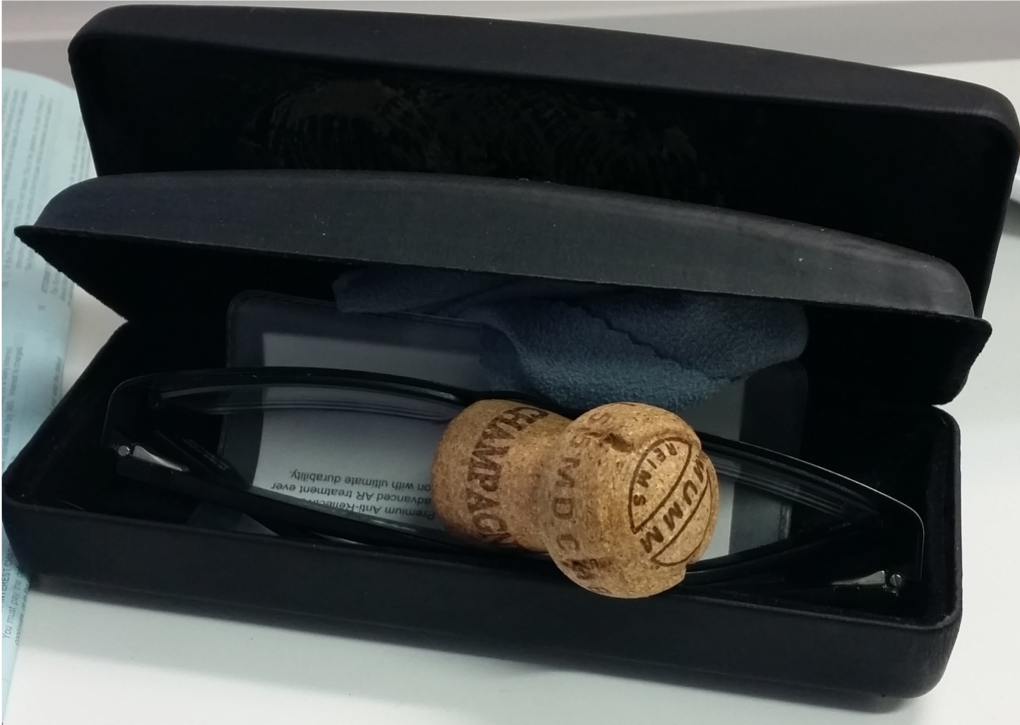 But candid photos and in-the-moment pictures help give your personality too. You don’t need to call in a pro to take a picture of accidentally matching outfits two team members wore or crazy moments like when a cork shoots out of a champagne bottle and lands neatly in a partially-open glasses case (Try that again, Phil!). Pictures for social media and quick shots are fine to be done with what you have on hand. There’s no reason to wait to try and stage everything for a professional arrive when you’re just going to stick it up on Facebook or Instagram!
![How Much Does A Good Logo Cost? [Video]](https://www.back9.co.nz/b9/wp-content/uploads/2019/04/Logo-Design-Banner.jpg "How much does a good logo cost? [VIDEO] 4")